2025
Source: Autodesk official release notes →New Revit Home by default, Tabbed Project Browser, in-context spell check, modernized load cases, and continued Toposolid and carbon-analysis improvements - the highlights from Revit 2025’s five releases.
| Image | Release | Title | Content |
|---|---|---|---|
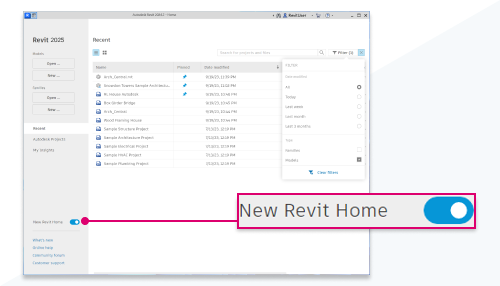 | 2025.2 | New Revit Home, enabled by default | The redesigned homepage, which was only a tech preview in 2024, is now the standard experience for every user. It's the default landing point for organizing and jumping into projects, refined enough after a year of feedback to graduate out of preview. |
 | 2025.2 | Tabbed Project Browser | The Project Browser can now show multiple parts of the tree in separate tabs, instead of forcing everything into one long scrolling list. On large, deeply nested projects it's a real, everyday navigation improvement rather than a cosmetic one. |
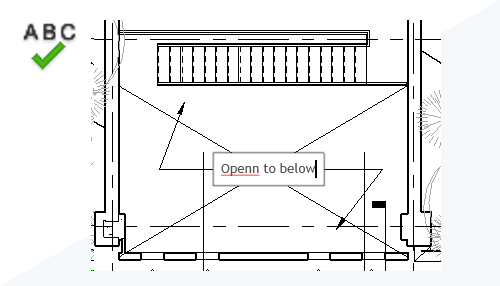 | 2025.3 | In-context spell check | Misspelled words now get underlined directly in the model, the same way a word processor flags them, instead of only being caught during a separate check. Text annotations and notes are far less likely to ship with a typo nobody noticed. |
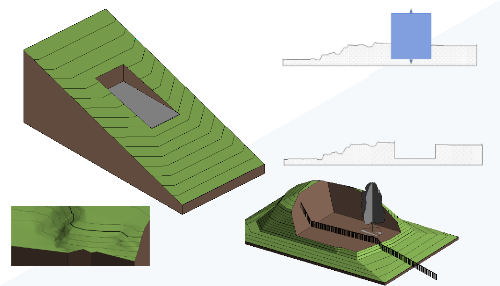 | 2025 | Toposolid enhancements | The Toposolid element type introduced in 2024 continues to be refined, including the ability to remove folding lines while modifying a toposolid, which makes editing noticeably easier. Site and terrain modeling keeps getting more practical for daily use, not just conceptually promising. |
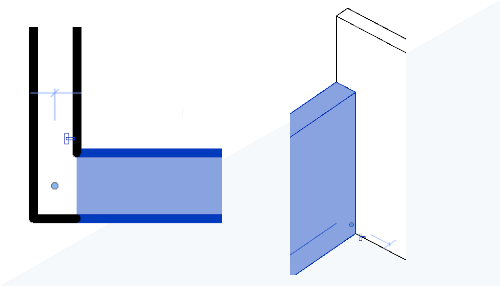 | 2025.1 | In-canvas wall joins control | How walls join can now be adjusted directly in the view, instead of digging through a separate dialog to fix it. Correcting a wall-join condition becomes a quick, visual, on-the-spot fix. |
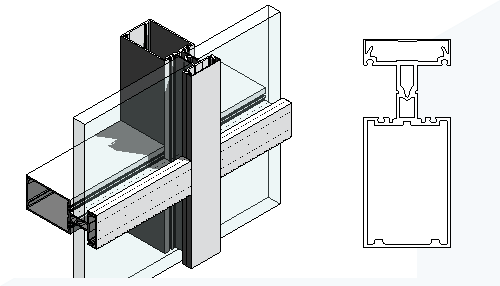 | 2025 | Multi-loop mullions | Curtain wall profiles now support multiple loops, enabling more complex mullion shapes than the previous single-loop limitation allowed. Facade designers get real geometric freedom for mullion profiles that don't fit a simple outline. |
 | 2025.3 | Modernized load cases and combinations | Load cases and combinations move to a reworked interface with filters and search, instead of one long, unsorted list. Managing a project with many load cases becomes far more manageable than scrolling to find the right one every time. |
 | 2025 | Parametric splicing for typical rebar | Splice position and lap length for typical rebar can now be specified directly through parameters, instead of being modeled manually case by case. Standard splice conditions become fast, repeatable, and consistent across a project. |
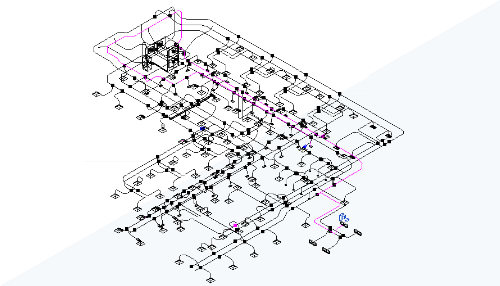 | 2025 | Analytical duct and pipe segments | Individual duct and pipe segments can now be inspected and visualized for pressure drop and flow data. MEP engineers can spot problem segments directly in the model instead of cross-referencing a separate calculation report. |
 | 2025 | Edit Part Type Geometry (Tech Preview) | A dedicated parts editor inside the Fabrication Data Manager lets you adjust part type geometry directly. Fabrication content can be fine-tuned without leaving the same tool that manages and shares it. |
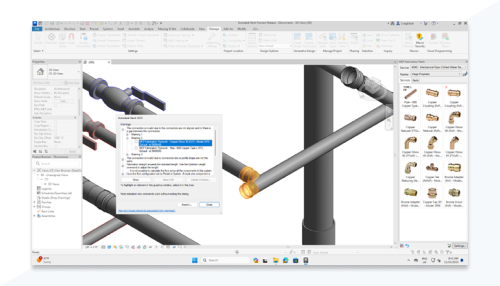 | 2025 | MEP model consistency check | A model-wide check surfaces MEP connection issues for review all at once, instead of discovering them one at a time as you happen to notice them. Cleaning up a model's connections becomes a systematic pass instead of a scattered hunt. |
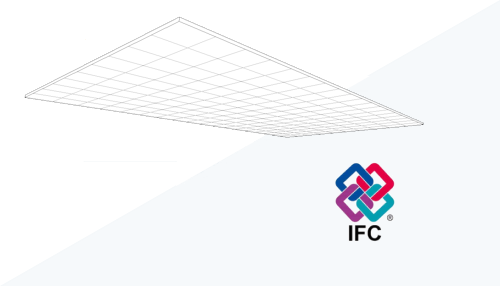 | 2025.3 | IFC export enhancements | Rebar sets now group by length on IFC export, and ceiling grids became exportable for the first time. Deliverables handed off to other IFC-based tools carry more of the real reinforcement and ceiling data than before. |
 | 2025.1 | IFC and NWC coordination model change detection | You can now see specifically what changed in a linked IFC or NWC coordination model since the last time you checked, not just that something did. Reviewing an external coordination update becomes a targeted check instead of a full re-scan. |
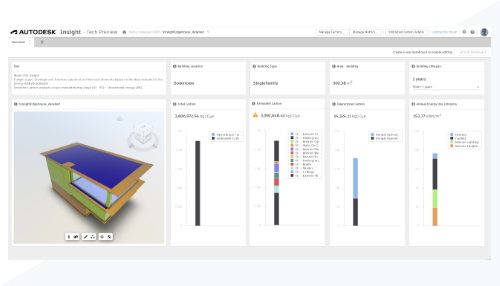 | 2025 | Next Generation Insight | Built-in embodied and operational carbon analysis continues what started as a tech preview back in 2024, now deeper and more capable. Sustainability analysis becomes a native part of the modeling process rather than a bolt-on extra. |
 | 2025.4 | Dynamo updates through 3.3 | Dynamo gains an improved TuneUp package for cleaning up graphs, Package Manager improvements, and the ability to bulk-edit Python nodes. Maintaining larger, more complex Dynamo graphs gets noticeably less painful. |
 | 2025.4 | Admin Add-Ins Manager | BIM Managers and System Administrators can now manage the Revit Add-Ins Manager settings on users' machines centrally. Rolling out or restricting add-ins across a whole team no longer means touching every machine individually. |
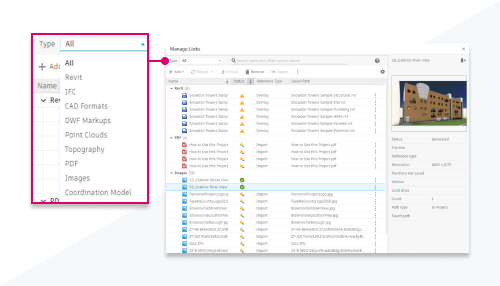 | 2025.2 | New Manage Links Dialog | The Manage Links dialog was overhauled for a clearer, more efficient experience. Reviewing and maintaining a project's linked files becomes noticeably less clunky, especially on projects with many links. |
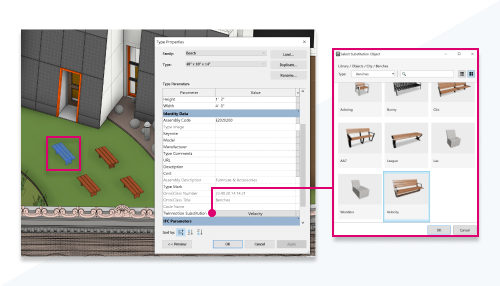 | 2025.2 | Revit Family to Twinmotion Asset Substitution | A Revit family's geometry can now be automatically substituted with a matching Twinmotion asset. Visualizations in Twinmotion look richer without manually swapping in higher-fidelity assets by hand. |
 | 2025.2 | Improved Structural Physical to Analytical Automation | The analytical model now automatically aligns to key horizontal and vertical references generated from the physical model. Analytical and physical models stay in closer agreement with less manual correction along the way. |
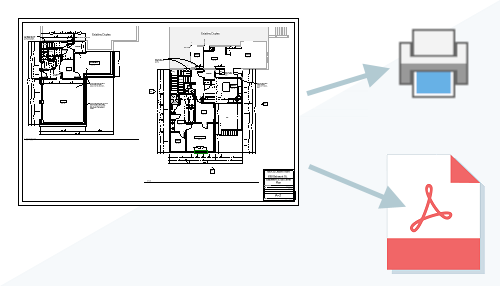 | 2025.1 | PDF Export/Print Enhancements | View and sheet selection is now easier, with extra dialog columns for sheet collection, sheet number, and current revision, and PDF exports are both faster and more accurate. A frequently used publishing task gets quicker with fewer surprises in the output. |
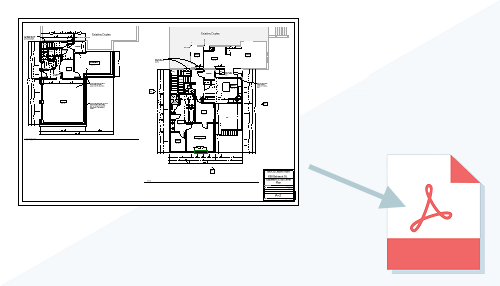 | 2025 | Background Export to PDF | PDF export can now run in the background while you keep working in the model. Publishing a large sheet set to PDF no longer means stopping everything else until it finishes. |
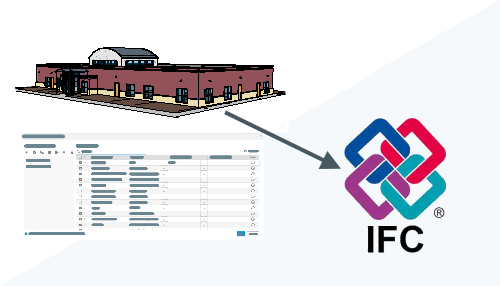 | 2025 | IFC Export Category Mapping Templates | Templates now let you customize how Revit categories map to IFC classes on export, and reuse that mapping across projects. Consistent, standards-compliant IFC deliverables take far less setup work each time. |
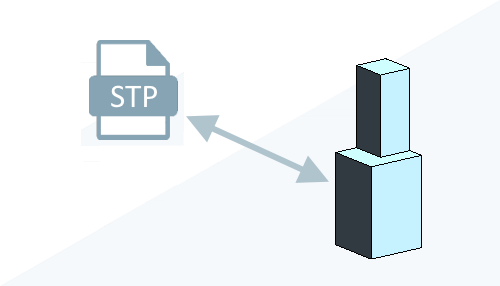 | 2025 | Import/Export STEP files | CAD file support now extends to STEP files, which can be imported, linked, or exported from 3D views. It's a real gap closed for teams working with mechanical or precision-manufactured components that live natively in STEP. |
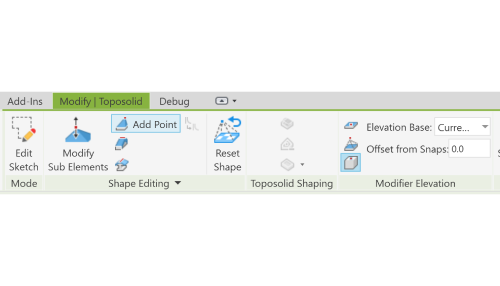 | 2025 | Shape Editing Snaps | Snapping behavior in shape-edit mode was refined, letting you ignore internal points and edges and snap to an element's Z value directly. Precise shape edits on floors and roofs get noticeably easier to control. |
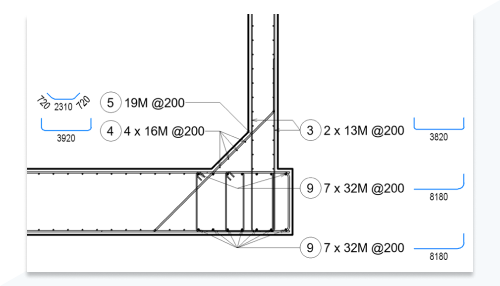 | 2025 | Schematic Bending Details for Rebar Tagging | Schematic bending details with embedded tags can now show rebar bending instructions directly on the drawing. Fabricators and site crews get clear, unambiguous bending instructions without a separate reference sheet. |