2027
Source: Autodesk official release notes →Autodesk Assistant, a public MCP server for LLM access, and deep Forma cloud integration mark Revit’s first real move into AI-native workflows - the highlights from Revit 2027’s releases so far.
| Image | Release | Title | Content |
|---|---|---|---|
 | 2027.1 | Autodesk Assistant (Tech Preview) | Autodesk Assistant is an agentic AI design partner built for AEC workflows, able to help modify views and assist with tasks directly inside Revit. It marks Revit's first real step toward AI that actively works alongside you in the model, not just alongside it in a separate app. |
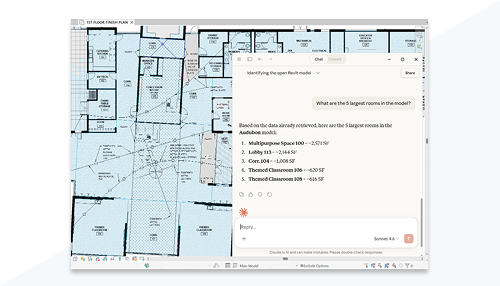 | 2027 | Revit Public MCP Server (Tech Preview) | The Revit Public MCP Server standardizes how large language models access Revit data, using the open Model Context Protocol. It opens the door for AI tools - including Claude - to work with Revit models directly, instead of relying on ad-hoc scripts or exports. |
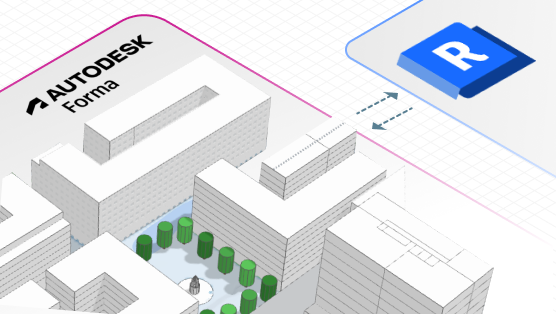 | 2027 | Forma Connected Client (Tech Preview) | A deep integration with Autodesk's Forma industry cloud reduces friction moving work between conceptual planning and detailed Revit modeling. Worksharing and project handoff between the two tools become a much smoother, more connected process. |
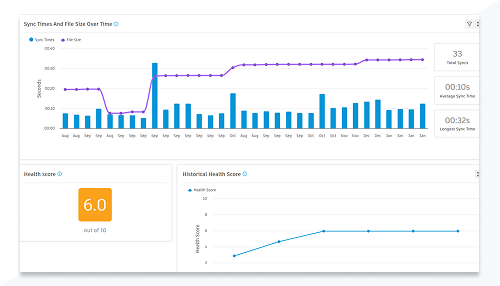 | 2027.1 | Model Analytics (AMA) | Model Analytics gives cloud-connected insights into a project without needing to open Revit at all. Project leads and stakeholders can check on model health and key metrics straight from the cloud, on their own schedule. |
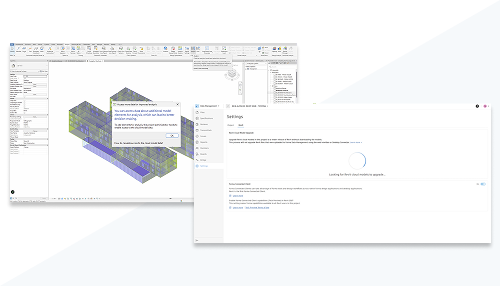 | 2027 | Expanded embodied carbon scope (Tech Preview) and carbon parameters on materials | Embodied-carbon analysis now reaches further into the model than before, with dedicated carbon parameters available directly on materials. Sustainability assessment gets more granular, closer to the actual material choices driving a design's carbon footprint. |
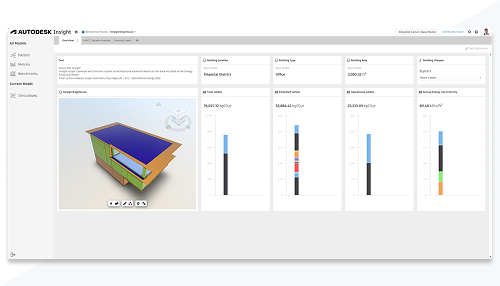 | 2027 | Collaborative Insight | Collaborative Insight lets you share sustainability dashboards and metrics with the rest of the team, not just view them yourself. Carbon and energy data becomes a shared conversation across the project instead of information locked to one person's screen. |
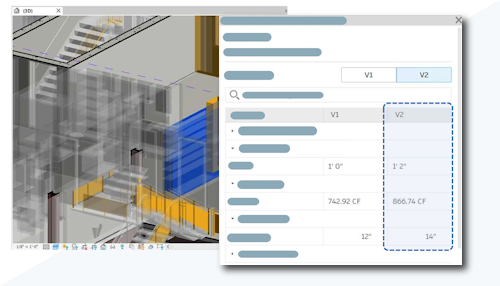 | 2027 | Detailed changes for coordination models | You can now see specifically what changed in a linked coordination model, not just that something did. Reviewing a coordination update becomes a targeted check instead of re-scanning the whole linked model for differences. |
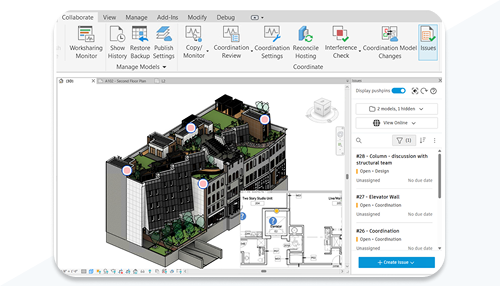 | 2027 | Integrated issues management in Revit | Coordination issues can now be tracked and resolved directly inside Revit, without switching out to a separate issues-tracking tool. Coordination stays part of one continuous workflow instead of being split across two applications. |
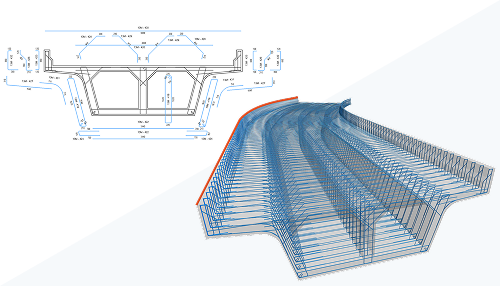 | 2027 | 3D path rebar shape distribution and easier rebar weight calculation (community idea) | Two more community-requested detailing improvements: 3D path rebar shapes can now be distributed along a path, and calculating rebar weight is more straightforward. Both trim real time off common structural detailing tasks. |
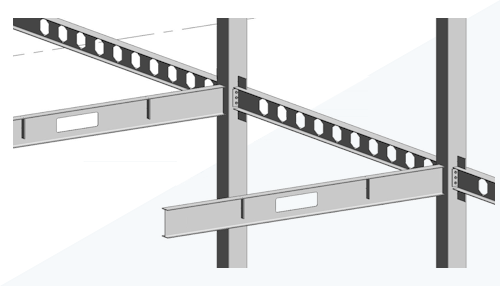 | 2027 | Consistent steel shape behavior | Steel shape behavior is now unified between the design stage and the fabrication stage into one consistent experience. Engineers no longer need to account for a steel member behaving differently once it moves from design intent to fabrication detail. |
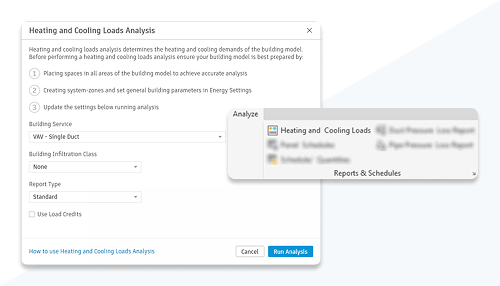 | 2027 | Improved heating and cooling loads analysis and a new Energy Model Guide | Heating and cooling loads analysis has been refined, and a new Energy Model Guide walks through a simplified setup workflow. Getting a project ready for energy analysis takes fewer false starts, especially for teams newer to the workflow. |
| 2027 | HVAC Zones upgraded to System-Zones | HVAC Zones have been upgraded to a broader, more flexible System-Zones model. Mechanical systems can be zoned in a way that better reflects how a building's systems are actually organized, not just its physical spaces. | |
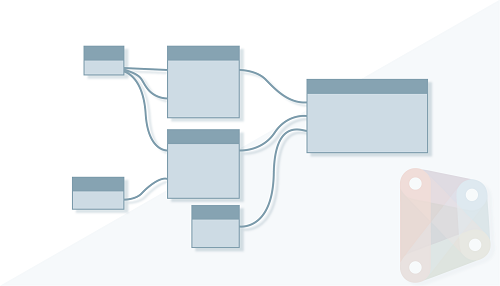 | 2027 | Migrating Revit to the .NET 10 runtime and Dynamo 4.0.2 (with PythonNet3 as the new default) | Revit's underlying runtime moves to .NET 10, alongside an update to Dynamo 4.0.2 with PythonNet3 now the default. This mostly matters to add-in developers, but it keeps the whole platform current on modern, supported foundations underneath everything else. |
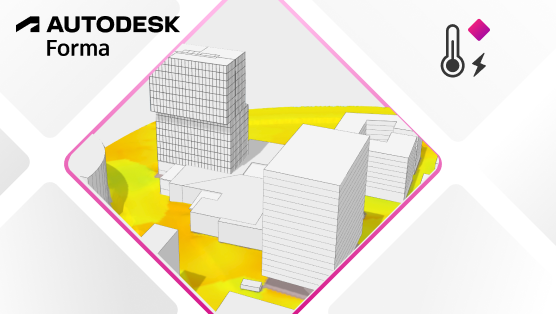 | 2027.2 | Forma Microclimate Analysis (Tech Preview) | A new Forma-connected analysis helps you understand how your model may affect local climate conditions when designing outdoor spaces. Early-stage massing decisions can account for real microclimate impact, not just form and program. |
 | 2027.2 | Vulkan Based Graphics Engine Option for Accelerated Views | A new Revit.ini setting lets Accelerated Graphics run on Vulkan instead of OpenGL, further optimizing performance and system resource use. Teams on hardware that favors Vulkan get an extra lever to push graphics performance even further. |
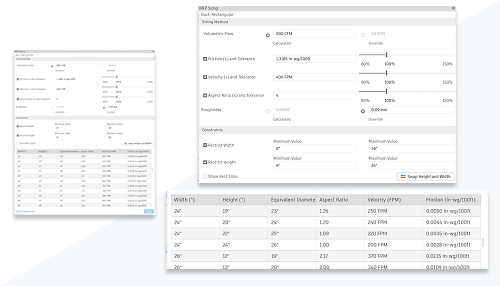 | 2027.1 | MEP Sizing Calculator | The MEP Sizing Calculator lets you define sizing criteria and design constraints for selected ducts, then apply filters to generate a table of sizes that satisfy velocity, friction, and capacity requirements. Duct sizing becomes a systematic calculation instead of manual trial and error. |
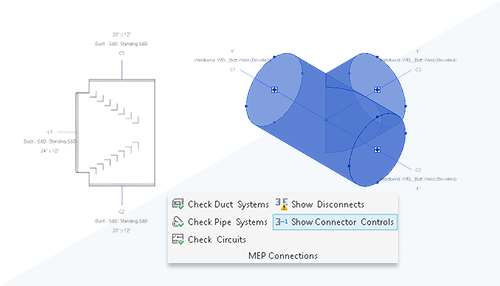 | 2027.1 | Improved Modeling Experience with In-Canvas Connector Controls | Visual cues now appear directly in the canvas, showing connector number, type, and size at a glance. MEP routing decisions get made with the relevant connector information right in view, not hidden in a properties panel. |
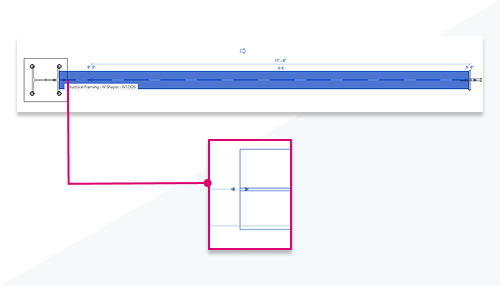 | 2027.1 | Steel Member Extension Control | In-canvas editing for steel framing members gets shape-handle support restored even when steel connections are already applied. Adjusting a steel member's extent stays a direct, visual edit instead of fighting the connection to make a change. |
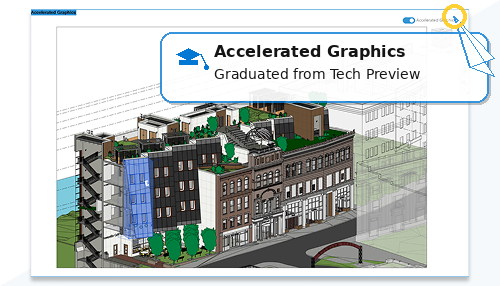 | 2027 | Accelerated Graphics Graduates from Tech Preview | Accelerated Graphics moves from tech preview status to a fully supported capability, after multiple point releases of measured performance gains. It's now a core part of Revit's graphics pipeline, not an opt-in experiment. |
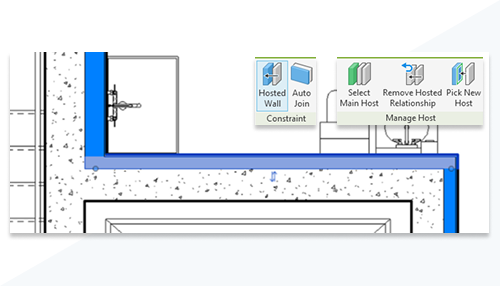 | 2027 | Host a Wall on Another Wall | Walls can now be hosted directly on other walls, maintaining alignment and coordinated behavior as the host changes. Hosted walls follow the host's geometry and support offsets, rehosting, scheduling, and view control, just like other hosted elements. |
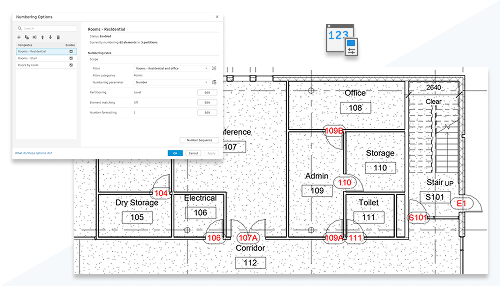 | 2027 | Rule-Based Numbering for Model Elements | Element numbering can now be automated and standardized with rule-based templates, filters, and partitions. Formatting stays controllable and gaps get resolved automatically, with consistent, editable results across the whole model. |
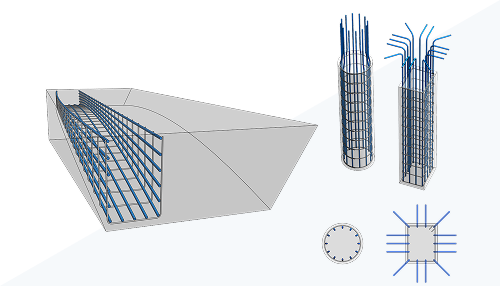 | 2027 | Longitudinal Bars Driven by Transverse Rebar | Longitudinal reinforcement can now be created directly from transverse rebar, following stirrups, spirals, or multi-segment shapes and updating automatically as the transverse geometry changes. It works for both civil structures like bridges and tunnels and typical building elements alike. |
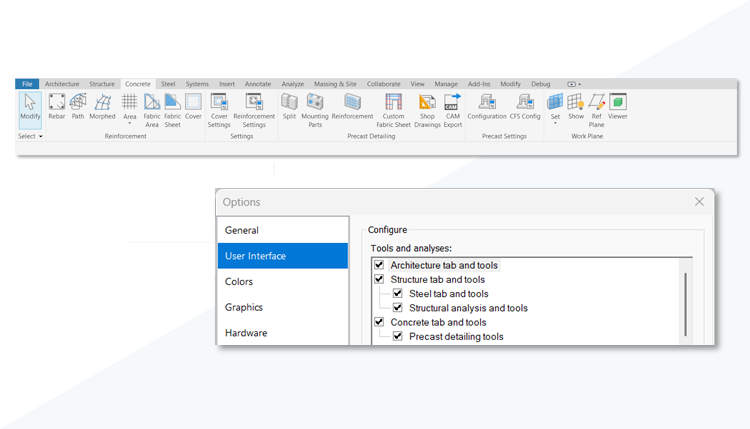 | 2027 | Concrete Detailing Ribbon | A dedicated Concrete Detailing tab on the ribbon centralizes reinforcement tools for both cast-in-place and precast workflows. Contextual access to reinforcement commands stays available, with more control over which ribbon tabs are visible. |