2026
Source: Autodesk official release notes →Accelerated Graphics (Tech Preview) headlines a year of real performance gains, plus automated load combinations, parametric rebar cranking, and Next Generation Insight bundled by default - the highlights from Revit 2026’s five releases.
| Image | Release | Title | Content |
|---|---|---|---|
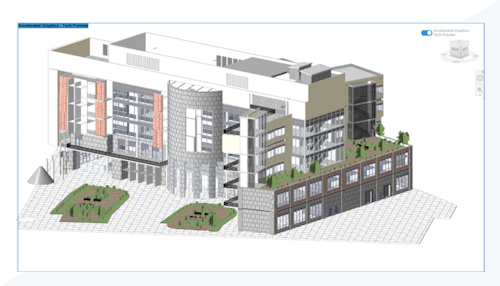 | 2026 | Accelerated Graphics (Tech Preview) | A new GPU-driven graphics engine speeds up 3D and 2D navigation, with real measured gains reported across the point releases - 15% faster view activation, 10% faster orbiting in 2026.2, and 27% faster activation again in 2026.3. It's the single biggest change in Revit 2026, and the foundation Autodesk is building future graphics performance work on. |
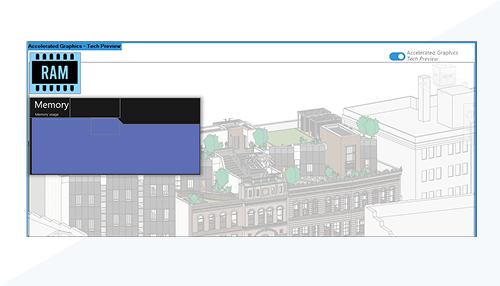 | 2026.1 | Improved RAM consumption (Tech Preview) | Alongside the new graphics engine, this tech preview trims memory usage by roughly 10%. Large, complex models stay more responsive for longer before memory pressure starts to slow you down. |
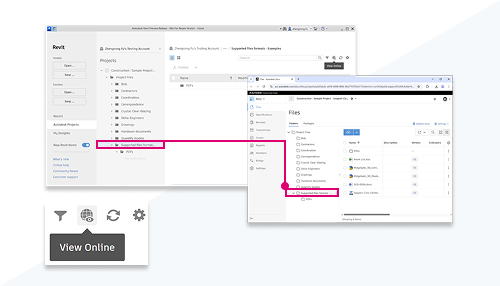 | 2026.3 | Revit Home subfolder navigation | Revit Home now lets you jump directly into a cloud project's subfolders from the homepage, instead of navigating into the project first. Getting to the specific file you need takes fewer clicks on every cloud-hosted project. |
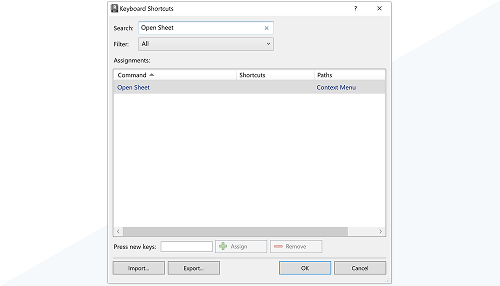 | 2026.1 | Keyboard shortcuts for view/sheet commands | New contextual keyboard shortcuts speed up common view and sheet commands, and section/elevation labels can now be edited directly in the canvas instead of through a separate dialog. Both changes cut down on small, repetitive interruptions during everyday drafting. |
| 2026 | User profile update reminder | On first launch, a short discipline-and-role questionnaire lets Revit tailor its recommendations and default workspace to how you actually work. It's a lightweight onboarding step that pays off in a more relevant out-of-the-box experience. | |
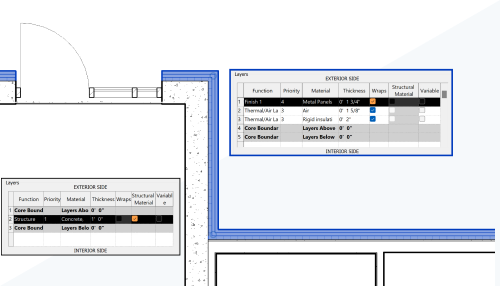 | 2026 | Compound structure without core layers | The mandatory core-layer requirement for compound structures has been removed, giving more flexibility when building wall, floor, and roof assemblies. Assemblies that don't naturally have a clear structural core no longer need an artificial one just to satisfy the software. |
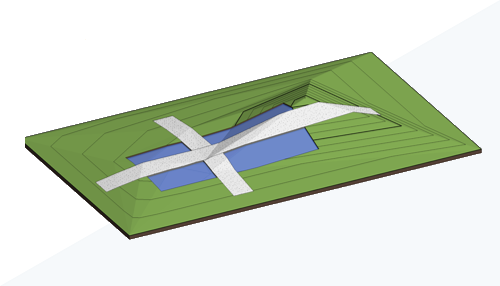 | 2026 | Toposolid enhancements (community idea) | Toposolids gain subdivision and accuracy improvements, refining a feature that's still relatively new to Revit. It's a direct response to real user requests, making toposolid-based site modeling more precise for everyday use. |
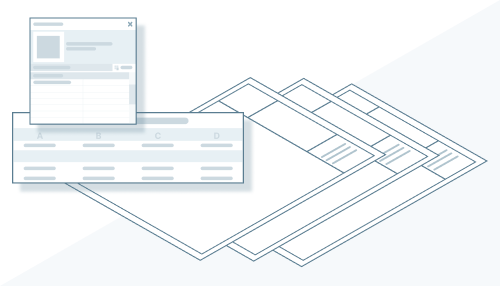 | 2026 | Sheet Collections: custom parameters & schedules | Sheet Collections can now be organized using your own custom parameters and schedules, instead of only the built-in grouping options. Large sheet sets can be structured to match how your firm or project actually categorizes drawings. |
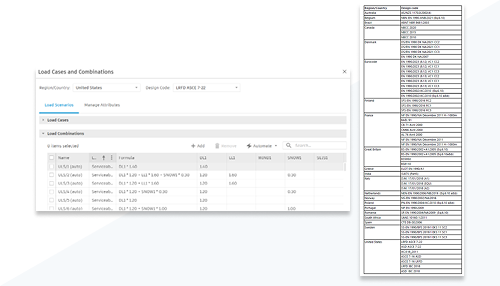 | 2026.1 | Automate load combinations | Load combinations can now be generated directly from design codes instead of being built by hand, one by one. Structural engineers save real time on a setup task that used to be tedious and error-prone at project start. |
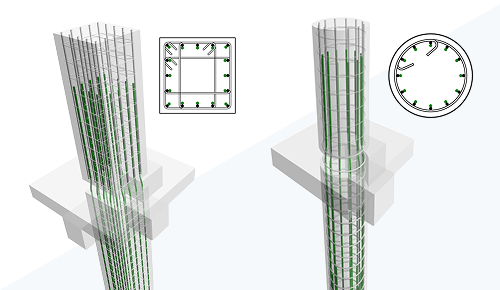 | 2026 | Parametric rebar cranking (community idea) | Parametric rebar cranking was built specifically to prevent clashes in congested reinforcement areas, another feature that came directly from a community request. Detailing tight rebar zones becomes far less trial-and-error. |
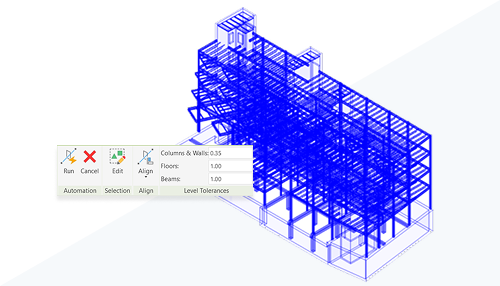 | 2026 | Analytical model automation improvements | The one-click analytical model automation introduced in an earlier release now also has quick access right from the ribbon. A capability that already saved real modeling time is now also faster to actually reach. |
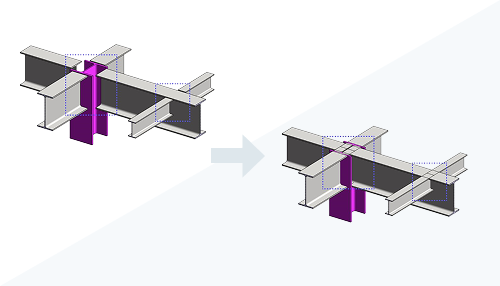 | 2026 | Point-to-point steel modeling | Steel geometry can now be created directly from exact start and end points, rather than built up through intermediate modeling steps. It's a more direct, precise way to lay out steel members that matches how engineers actually think about a run of steel. |
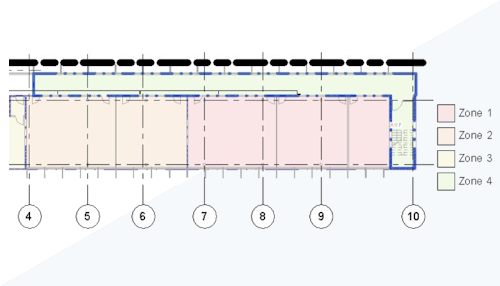 | 2026 | Enhanced system zones | System zones get improved space selection and boundary-sketching tools for HVAC analysis, making it easier to define accurate zone geometry. Mechanical engineers get a more direct path from zone definition to reliable load analysis. |
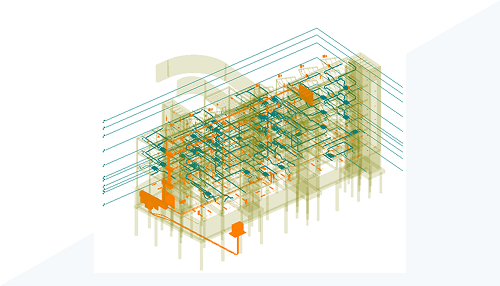 | 2026 | Coordination model enhancements | Coordination models get better visibility controls and can now be viewed directly on canvas instead of only through a separate dialog. Reviewing what a linked coordination model actually contains becomes a much more direct part of the normal modeling view. |
| 2026 | Next Generation Insight bundled with installation | Next Generation Insight, the energy analysis tool first introduced as a tech preview back in 2024, now ships with every Revit installation by default. Energy analysis is one step closer for every team, without a separate download or opt-in. | |
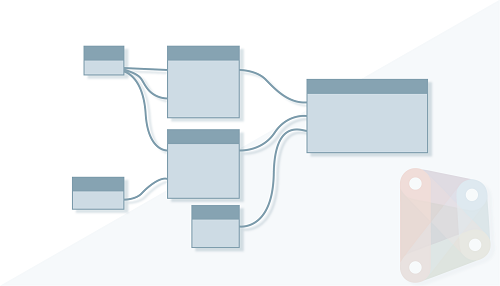 | 2026.3 | Dynamo updates through 3.6 | Dynamo picks up improved autocomplete and performance work across its point releases through version 3.6. Visual programming graphs in Revit build and run noticeably more smoothly. |
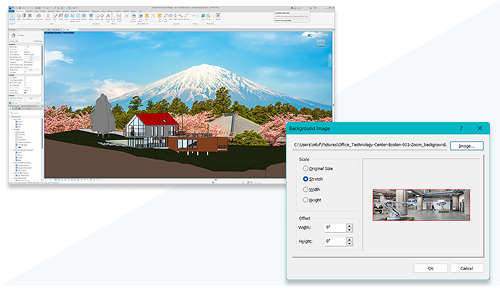 | 2026.4 | Tech Preview: Image Background in Accelerated Views | Accelerated Views can now use a custom image as their background instead of a plain sky/ground gradient. Presentation views get a more polished, context-rich look without leaving the accelerated graphics engine. |
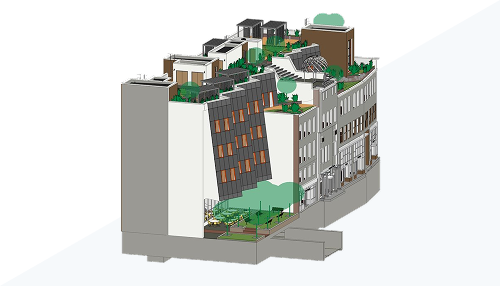 | 2026.3 | Tech Preview: Seamless Activation of Accelerated Views | Activation time for Accelerated Views is now roughly 27% faster on average. Switching into an accelerated view feels close to instant instead of a noticeable pause. |
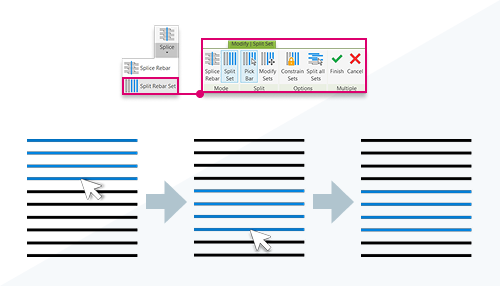 | 2026.3 | Split Rebar Sets | A rebar set can now be split into multiple sets, giving more flexibility in defining reinforcement patterns. Adjusting a granular section of a large rebar pattern no longer requires touching the whole set. |
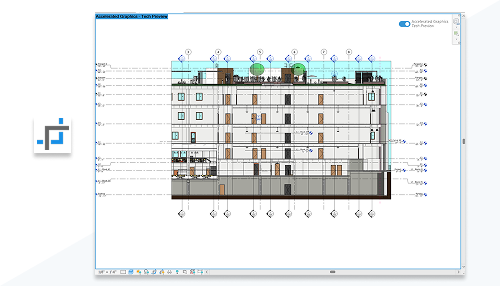 | 2026.2 | Tech Preview: Crop Accelerated Views | Rectangular regions can now be cropped in Accelerated Graphics views, matching the same display you'd see in a standard Revit view. Presentation-ready framing works the same way whether or not accelerated graphics is turned on. |
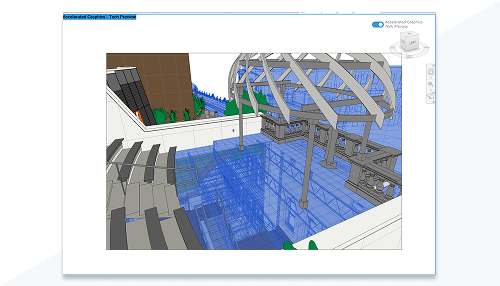 | 2026.2 | Tech Preview: Display Selected Elements as Transparent in Accelerated Views | Selected elements in Accelerated Graphics views can now display as transparent, making it easier to see and interact with elements behind them. Picking through a dense selection becomes far more visual and direct. |
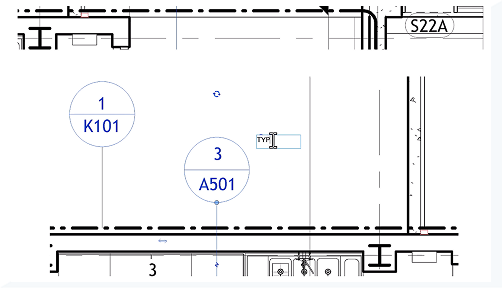 | 2026.1 | In-Canvas Section, Elevation, Callout and View Reference Parameter Editing | Single or multiline labels for sections, elevations, callouts, and view reference objects can now be edited directly in the canvas for compatible parameters. Small labeling edits become quick, in-place changes instead of a dialog round-trip. |
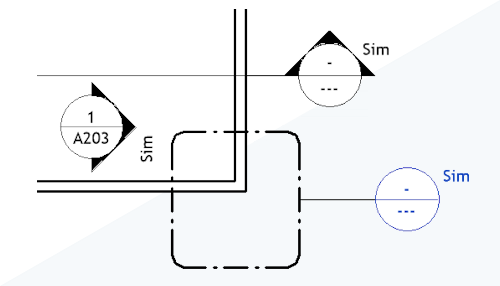 | 2026 | View Reference Enhancements | View references now support instance-based reference labels and can include shared parameter labels. Documentation cross-referencing between views becomes more flexible and easier to standardize across a project. |
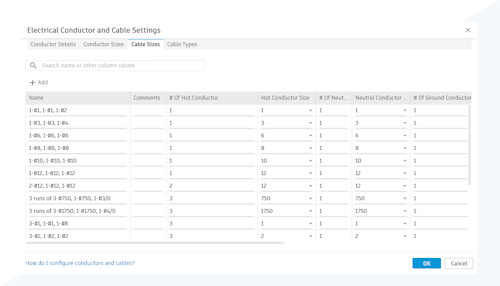 | 2026 | Globalize Electrical Conductors | Circuit wiring requirements can now be managed with controllable, customizable conductors and cable configurations that better match regional standards. Electrical documentation adapts more naturally to conventions outside North America. |
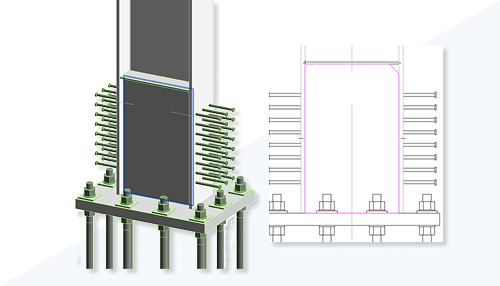 | 2026 | Custom Steel Connections Enhancements | Custom connection templates now let you modify both the connection itself and its object properties. Firm-specific or project-specific steel connection standards are easier to build and maintain over time. |
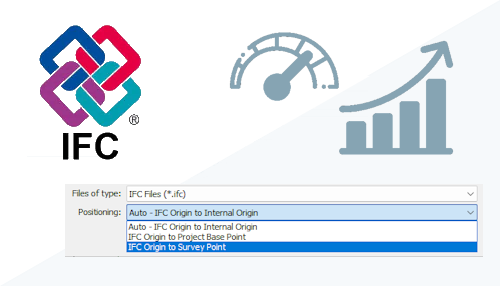 | 2026 | IFC Link Enhancements | Performance and placement accuracy for linked IFC files were both significantly improved. Coordinating against IFC models from other disciplines becomes faster and more trustworthy. |